Tailored CVs & cover letters
Draft a CV for a specific job from your saved experience. Create a cover letter when you need one, then review both before sending.
PDF, DOCX and Markdown exports
For the work behind your next application
Turn your projects, responsibilities and experience into a CV for the role you want. Draft your documents, organise your applications and prepare for what comes next.
3 CV or cover-letter generations in total on the free plan.
How it works
Upload a CV or enter your work history, education and skills. Add project details that a job title alone cannot explain.
Share a job URL or paste the description. Use the requirements of that role to shape your application draft.
Check each claim, refine the wording and export your CV. Keep the role and your application progress together.
Chrome extension
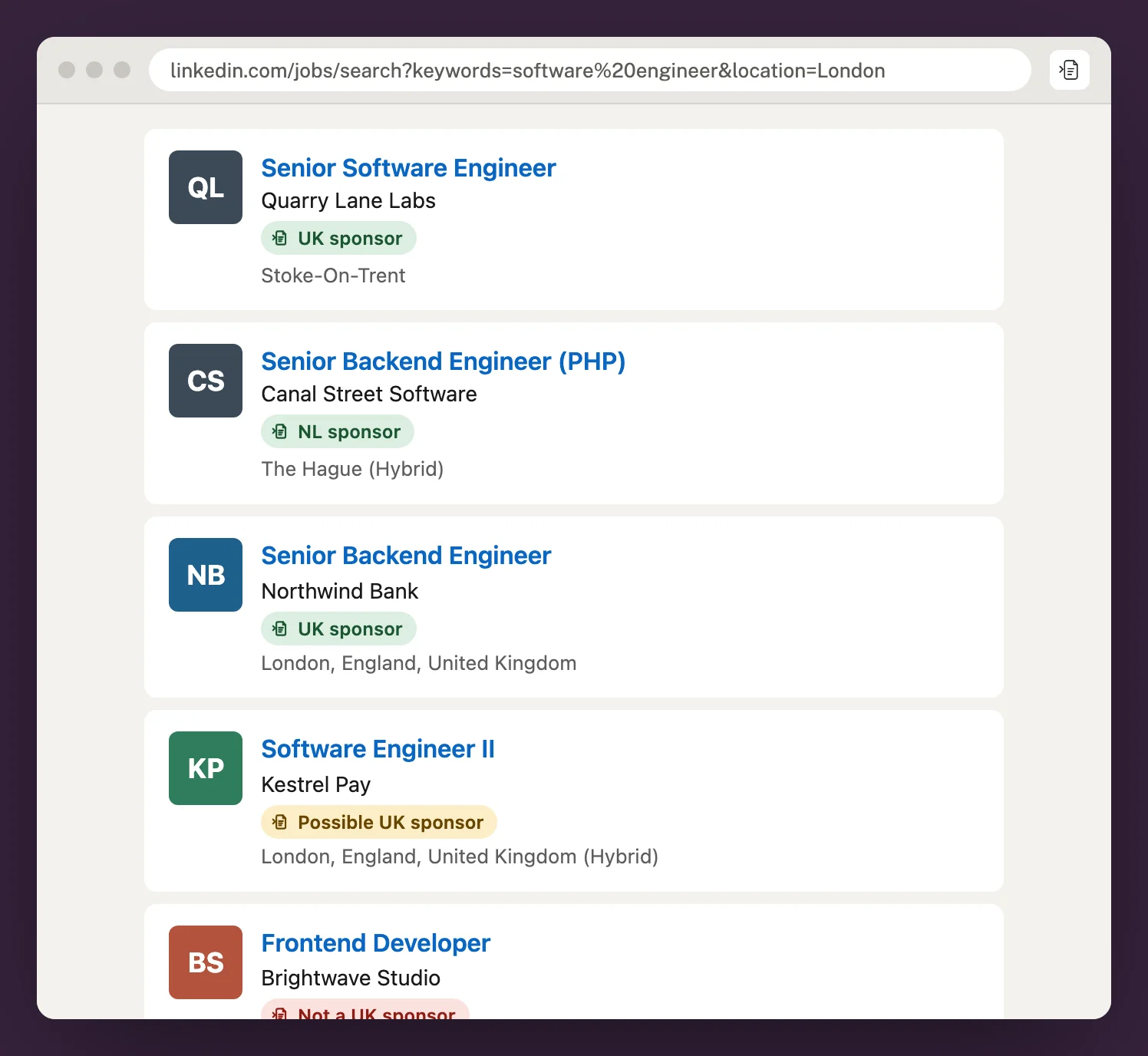
See UK and Netherlands sponsor badges under every employer on LinkedIn, Indeed and Glassdoor. Check a company’s licence on any job, then save the role to your tracker in one click.
More than a title
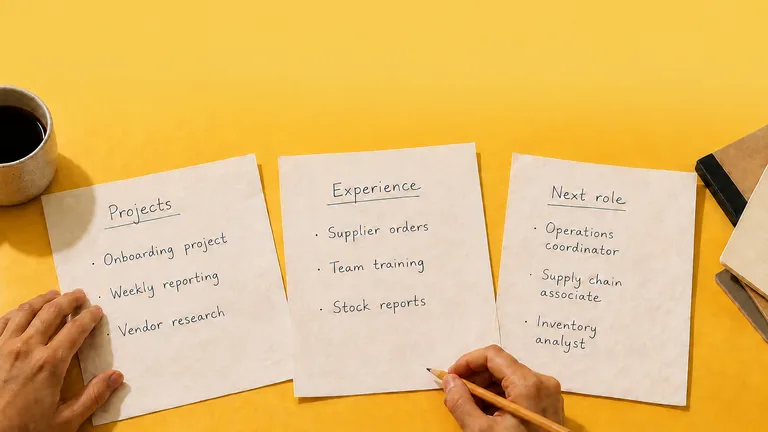
The project you helped deliver. The team you trained. The process you kept running. Those details give your next application something to work with.
Save the details that are true of your work. Use a job description to shape a draft, then review it before applying.
Fictional example
Job title
Experience to include
The application workspace
Applying takes more than writing a document. Keep the roles, experience and preparation behind each application connected.
Explore all featuresDraft a CV for a specific job from your saved experience. Create a cover letter when you need one, then review both before sending.
PDF, DOCX and Markdown exports
Keep work history, education, skills and project notes in one place. Start your next draft with those details instead of entering everything again.
Optional GitHub history for developers
Keep saved roles and application stages in view. Record interviews and follow-ups so you know what needs your attention next.
Your job search, with its context
Generate practice questions for a role and draft answers using examples from your experience. Review the answers and prepare in your own words.
Preparation grounded in your work
Review keyword coverage, structure and readability with the CV Optimizer.
Looking further afield
Explore job listings at employers matched to UK and Netherlands sponsor registers. Save a role that interests you and use its description to prepare your application.
Explore job listingsIt does not confirm that a particular vacancy offers sponsorship. Check the original listing and confirm the role’s terms with the employer.
More than one kind of career
A different direction
Bring forward the responsibilities and transferable skills that relate to the new role. Explain the connection without changing the facts.
Work beyond a title
Give each contribution some context: what you worked on, what you were responsible for and what you can demonstrate.
A first step
Use education, placements and project experience to explain what you know. Keep the wording specific to what you have actually done.
Plans for your pace
Room to try your next application.
$0/ month
usd · Free plan
For a regular application routine.
$19/ month
usd · Billed monthly
For a more active job search.
$29/ month
usd · Billed monthly
Tailored CVs and cover letters share one allowance; all-purpose CVs and profile reviews have their own. See the full plan comparison.
A few things to know
What the product does, what you control and where to check the details.
No. You can upload a CV or enter your experience, education and skills for any profession. GitHub is an optional source of project information for developers.
The free plan includes 3 CV or cover-letter generations in total, plus 5 interview answers. These introductory credits do not reset. Editing and downloads remain available. You can start without a paid subscription.
AI creates a draft using your saved experience and the job description. It can make mistakes or include unsupported statements. Review every claim against your real experience, edit the wording and check the final document before applying.
Yes. Review and edit your draft, choose a design and export as PDF, DOCX or Markdown. Editing and downloading an existing document do not use another generation.
Paste the job description instead. Some pages restrict automated access or load content in a way the importer cannot read. The Chrome extension can also save the job straight from the page you're reading.
No. A match means the employer name was matched to a UK or Netherlands sponsor register. It does not confirm sponsorship for that vacancy. Read the original listing and confirm the role’s terms with the employer.
The analysis estimates keyword coverage, structure and readability. It is guidance for reviewing your CV, not the same as an employer’s screening system or a prediction of an interview.
Your next application
Bring what you have done. Add where you want to go next. Start with a draft you can make your own.
3 CV or cover-letter generations to get started.